Shop No.4, Ground Floor, Amar Jyoti Palace, Chitale Marg, Near Lokmat Square, Dhantoli, Nagpur - 440012

Dell Service Center in Nagpur
Services Offered
Laptop Maintenance
Battery Replacement
Motherboard Servicing
Motherboard Diagnostics
Why end search here for the Dell Service Center in Nagpur?
Warranty Support
Motherboard Assistance with Warranty Claims and Free Servicing for Devices Under Warranty. Post-Warranty Services Available at Affordable Prices
Comprehensive Services
Services include hardware servicing, software troubleshooting, system upgrades, and regular maintenance
Fast Response
The service is highly efficient and has a nominal waiting period to get your device back to normal.
Customer centric approach
open and honest pricing, amiable customer service, and a commitment to your pleasure.
A customer-oriented strategy
Transparent pricing with no hidden charges. Dedicated customer support for guidance and updates throughout the process.
Services in Nagpur

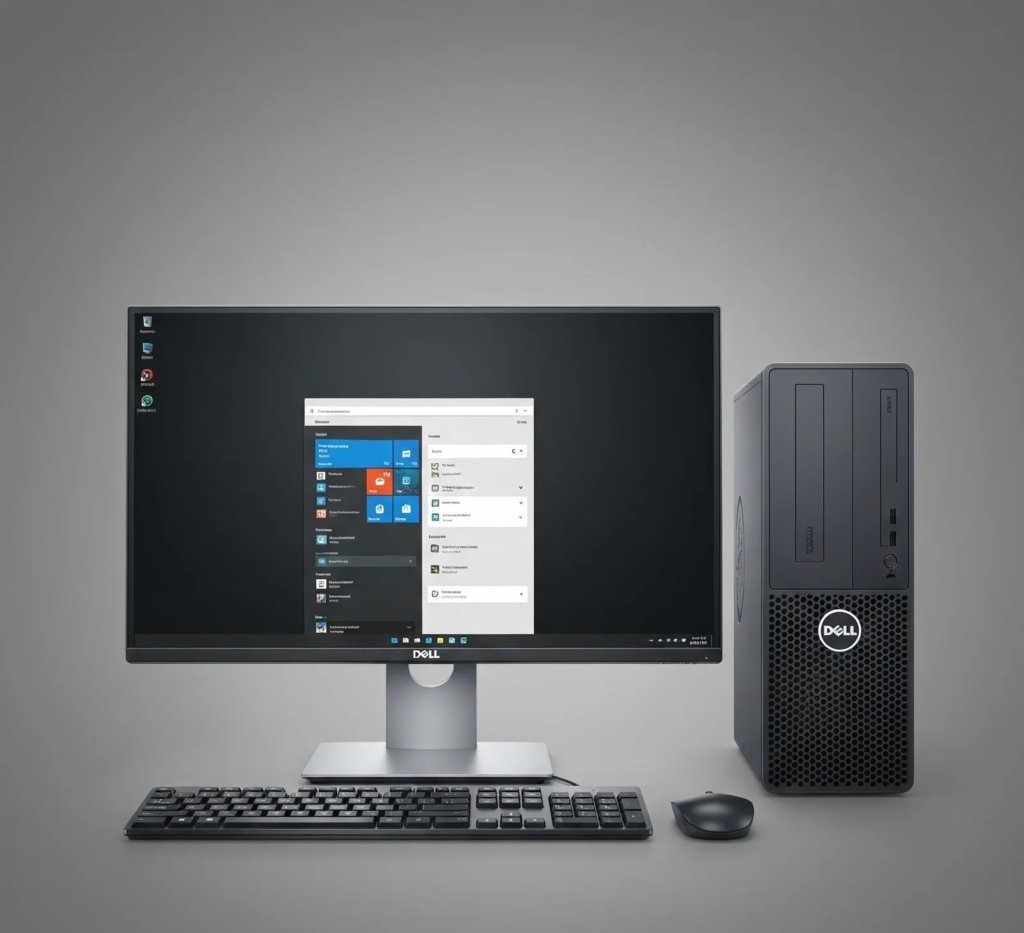

Device Care & Maintenance Guidelines
Simple, practical steps to extend device life and keep performance optimal.
1. Use Certified Components
- Replace batteries, screens, printer cartridges, and projector lamps only with certified Dell components.
- Avoid third-party parts that may reduce device lifespan.
2. Software & OS Updates
- Update drivers, BIOS, and operating system regularly.
- Prevents performance issues, system errors, and device slowdowns.
3. Proper Handling & Environment
- Avoid exposure to high temperatures, dust, moisture, and physical impact.
- Use protective cases for laptops and projectors.
- Keep printers in clean, dry areas to prevent jams.
4. Regular Checkups at Authorized Centers
- Schedule periodic inspections every 6–12 months.
- Technicians provide diagnostics, preventive cleaning, and minor repairs to prevent major issues.
5. Pickup & Drop Services
- Authorized centers offer pickup/drop services to minimize transport damage.
- Ensures secure handling of sensitive devices.
Services Offered at All Branches
Battery replacement, screen repair, chip-level cleaning.
Cartridges, rollers, lamps, firmware updates.
Driver updates, OS recovery, BIOS updates.
Fan servicing, dust cleaning, thermal management.
Benefits of Following These Tips
- Extends device lifespan by 2–5 years.
- Maintains optimal performance.
- Reduces risk of unexpected failures.
- Preserves warranty and resale value.
Practical Tips
- Schedule preventive maintenance every 6–12 months.
- Always use genuine Dell parts.
- Keep software, drivers, and BIOS up to date.
- Maintain a clean and safe environment for devices.
- Document all repairs and preventive services for future reference.